
Features
All major feed formats
Reads RSS 2.0, Atom, and RSS 1.0 (RDF) feeds — the full range of formats in use today.
Stays in your browser
All articles and subscriptions are stored locally in Chrome. Nothing is sent to any external server.
Cross-device sync
Subscriptions and settings sync across your devices via Chrome Sync — no separate account needed.
OPML import & export
Bring your existing subscriptions in via OPML, or export any time. No lock-in.
Dark mode & font size
Toggle dark mode and choose from three font sizes. Reads comfortably in any light.
Full-text search
Search across all loaded articles instantly — no index, no delay.
Keyboard navigation
Use j/k or arrow keys to move between articles, Enter to expand.
Efficient fetching
Conditional HTTP requests with ETag and Last-Modified headers avoid re-downloading unchanged feeds.
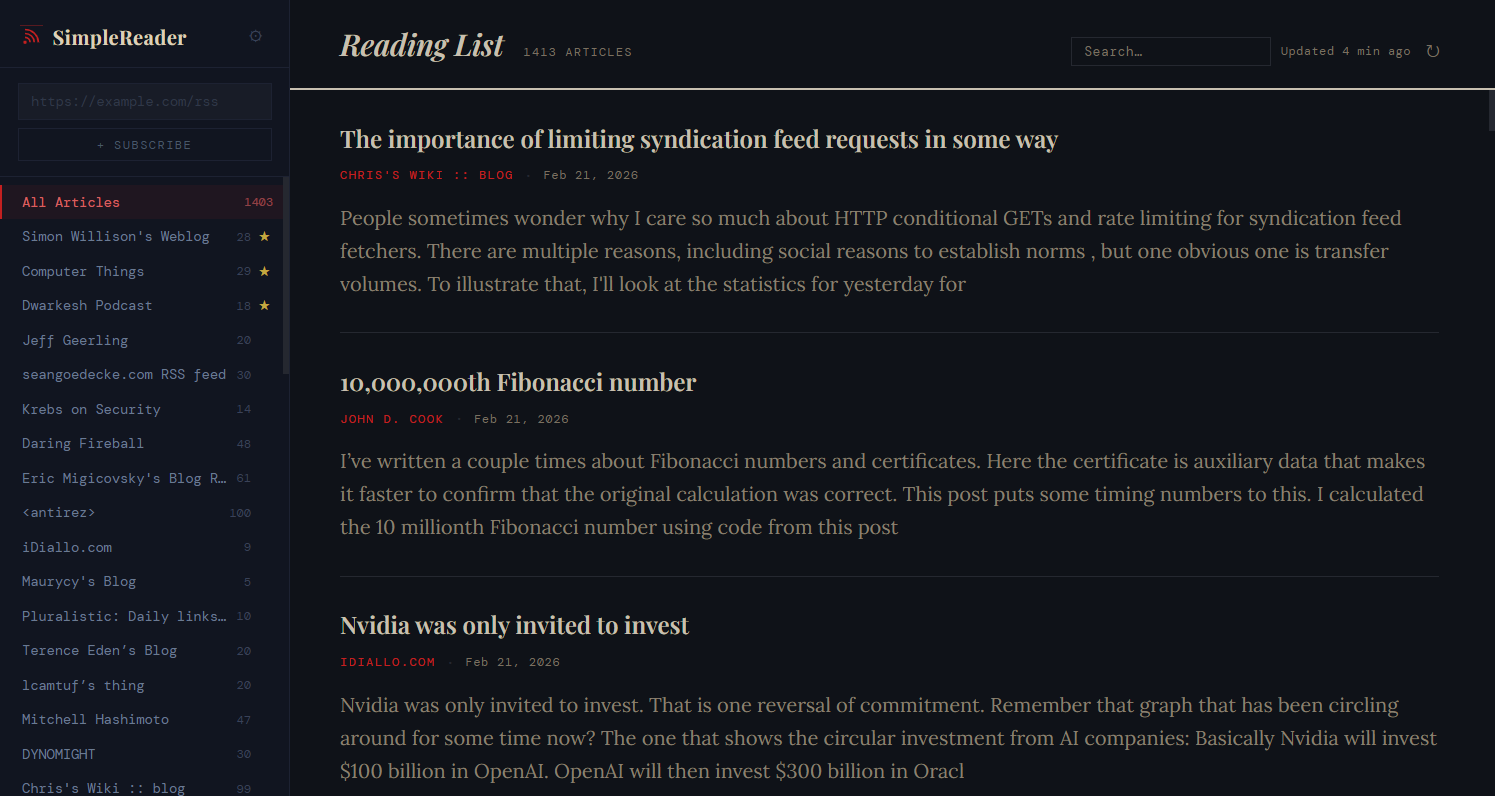
Screenshot
Privacy First
SimpleReader collects zero data. There are no analytics, no tracking pixels, no accounts, and no external servers. Your subscriptions and articles never leave your browser.
RSS feeds are fetched directly from the source domains — the same request your browser would make if you visited the site directly.
Starter Feeds
Not sure where to begin? HN Popular Blogs 2025 is a curated OPML file of 95 tech blogs that appeared most on Hacker News — a solid starting point for any RSS reader.
Download OPML → View the full list
Import it via Settings → Import OPML in SimpleReader.
Installation
Install SimpleReader from the Chrome Web Store, or load it directly from source.
- Open the Chrome Web Store listing and click "Add to Chrome"
- Or build from source: clone the repo, run
cd simplereader/extension && npm install && npm run build - For source installs: open
chrome://extensions, enable Developer Mode, and click "Load unpacked" selecting theextension/dist/folder